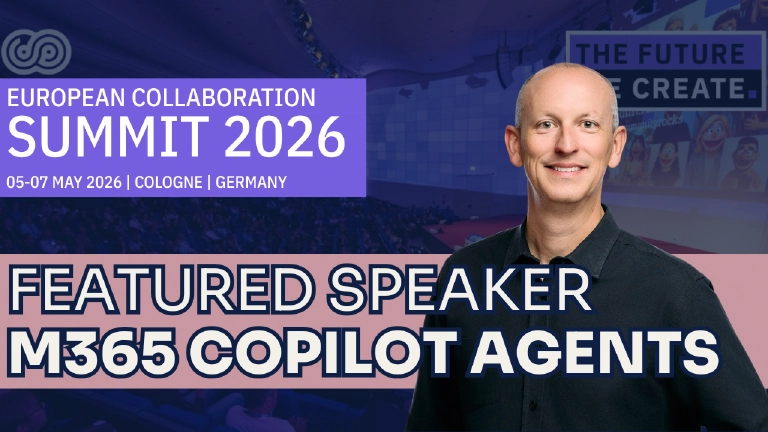
I’m excited to join the European Collaboration Summit (ECS) in Cologne, Germany in May 2026 presenting a full-day tutorial!
But you’re interested in the workshop & session… so, here you go!
Full-day Workshop: Building Custom Agents for Microsoft 365 Copilot: Copilot Studio vs. Microsoft 365 Agents Toolkit

Andrew Connell
Microsoft MVP, Full-Stack Developer & Chief Course Artisan - Voitanos LLC.
You’ve rolled out Microsoft 365 Copilot and now your organization has entered the AI revolution.
Mission accomplished… or is it?
Out of the box, Microsoft 365 Copilot only has access to the underlying LLM’s baseline knowledge and some content in your Microsoft 365 tenant.
But most companies have valuable data outside Microsoft 365—manuals, standard operating procedures, policies, inventory systems, ERPs, CRMs, sales data, and more!
In this workshop, learn from long-time Microsoft MVPs Mark Rackley & Andrew Connell how to get the most out of your Microsoft 365 Copilot investment, creating unique scenarios tailored for your organization.
After learning how Copilot works and comparing the options available to customers, Andrew & Mark will take their real-world experience to demonstrate what options are available to you.
We’ll cover using Copilot Studio, a great tool for makers, power users, and low-code developers to extend Microsoft 365 Copilot, and how to create Autonomous Agents. But that’s not all… you’ll also learn how full-stack web developers can use the Teams Toolkit for VS Code to create declarative agents or custom engine agents!
These options enable customers to go from the out-of-the-box capabilities to implement advanced customization scenarios. You’ll learn how to extend Copilot’s knowledge with your organization’s data and teach it new skills, even when that data doesn’t live within Microsoft 365. You’ll walk away with a solid grasp of what options are available to you, which tool is the best for your scenarios, and requirements, as well as the costs & licensing involved with each option.
Key takeaways:
- Understanding how Microsoft 365 Copilot works, its built-in capabilities, and customization options
- Learning what’s possible to extend Copilot using Copilot Studio or the Microsoft 365 Agents Toolkit for VS Code
- Understand how to extend Microsoft 365 Copilot with custom instructions, knowledge, topics, actions, and skills
Session: SPFx v1.22’s New Build System: What Every Developer Needs to Know - Gulp is out; Heft is in!
The SharePoint Framework v1.22 release replaces gulp with Heft, fundamentally changing how you build, customize, and extend your projects. If you’ve invested time mastering gulp-based workflows, you’re probably wondering what this means for your existing code and your development process going forward.
This session answers those questions head-on. We’ll explore how the new Heft-based toolchain works, walk through the migration path for existing projects, and demonstrate how to implement the same customizations you relied on before. You’ll gain a clear understanding of the new architecture and leave ready to adapt your SPFx development practices.
Session: Navigating SharePoint Framework: Best Practices and Hidden Gems
I’ve been working with the SharePoint Framework (SPFx) for over 8 years & teaching it to 6,000+ students since I released my Mastering the SPFx course over 7 years ago, since it was released in January 2017 & I’ve seen it all… the good, bad, and ugly parts of the SPFx.
Join me for a dive deep into the SPFx and find out what works, what doesn’t, and how to pivot when things go sideways. You’ve likely been warned about what ’never’ to do, but we go beyond warnings to provide actionable steps to turn potential mistakes into triumphs.
This session is packed with practical tips, nifty tricks, and insightful hacks designed to elevate your SPFx projects and streamline your development process.
Microsoft MVP, Full-Stack Developer & Chief Course Artisan - Voitanos LLC.
Andrew Connell is a full stack developer who focuses on Microsoft Azure & Microsoft 365. He’s a 22-year recipient of Microsoft’s MVP award and has helped thousands of developers through the various courses he’s authored & taught. Whether it’s an introduction to the entire ecosystem, or a deep dive into a specific software, his resources, tools, and support help web developers become experts in the Microsoft 365 ecosystem, so they can become irreplaceable in their organization.