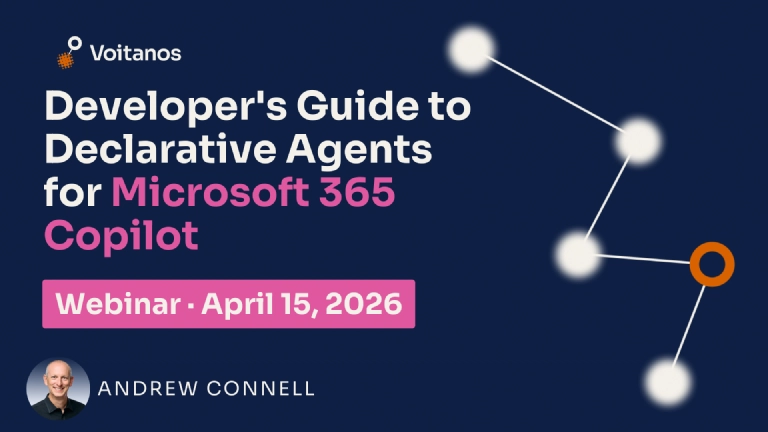


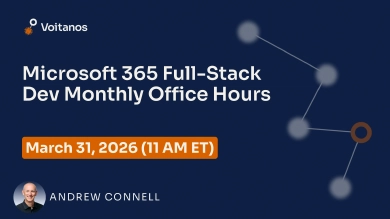
Microsoft wants you to believe there are two options for extending Microsoft 365 Copilot: Copilot Studio or building everything yourself with Azure AI Foundry. But there’s a powerful middle path they rarely mention. Declarative Agents give you developer control, source control, and real extensibility without owning the entire AI stack, and you build them in VS Code with tools you already know.
In this session, I’ll walk you through the developer story for Declarative Agents. You’ll see where they fit in the Copilot extensibility landscape and when they’re the right choice over Copilot Studio or full custom code. We’ll create an agent from scratch using the Microsoft 365 Agents Toolkit, write custom instructions that scope the agent’s behavior to a specific scenario, connect knowledge sources, and see exactly what happens under the hood when a user sends a prompt. If you’ve been building agents in Copilot Studio and wondering what the pro-developer experience looks like, this is your on-ramp.
You’ll leave with a clear understanding of what Declarative Agents can and can’t do, and the confidence to start building your first one.
 Free 9-Day Email Course