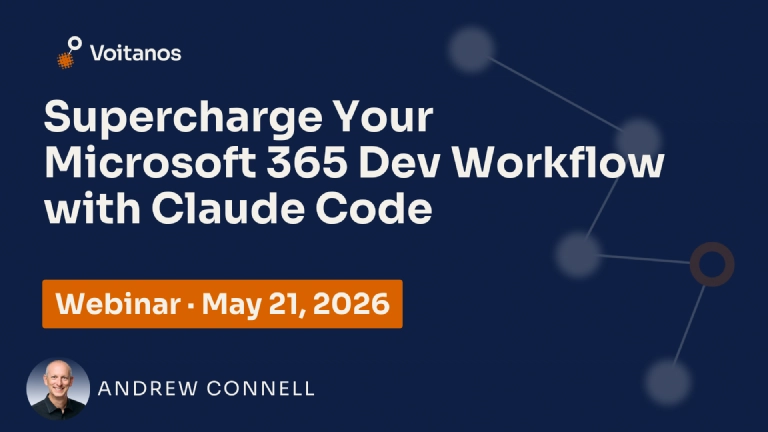


You’ve probably already experimented with AI coding tools like GitHub Copilot, Cursor, or even Claude Code out of the box. They’re useful, but most developers are only scratching the surface of what’s possible. This session is about taking that foundation and going significantly deeper.
Claude Code isn’t here to do your job for you. It’s here to make you dramatically better at it. Think of it less like autopilot and more like a turbo for the skills and experience you’ve already built. The real shift happens when it stops feeling like a tool you use and starts feeling like a development environment that understands you: your coding style, your team’s conventions, your project context, and your organization’s standards.
Through skills, agents, plugins, and MCP servers, you’ll learn how to shape Claude Code into something that works the way you work, helps you move faster, and keeps you learning as you go. You’ll also walk away knowing how to troubleshoot when things go sideways and how to consistently get more out of every session. Whether you’re working with Microsoft Graph, building Teams apps, or anywhere else in the Microsoft 365 ecosystem, the goal is simple: leave with the knowledge and practices to become a more powerful, productive, and efficient developer.
In this webinar, you’ll see how Andrew uses AI-powered coding assistants in his day-to-day work building SharePoint Framework solutions, Microsoft 365 Copilot declarative agents, and more. You’ll see practical demos of agentic development workflows that save time, make you more productive, and help you write better code.
 Free 9-Day Email Course