

Everyone talks about chatbots and AI agents for Microsoft Teams, but they’re missing the real opportunity.
Microsoft Teams is one of the most underrated platforms for enterprise web apps. You immediately get desktop, mobile, and web clients—all without building separate applications. Your app can be pinned in the Teams left rail, automatically deployed to employees, and built with any web stack you want.
The catch? Microsoft’s SDK guidance is a mess. Three different SDKs, contradictory documentation, and constantly changing tooling leave developers confused and frustrated.
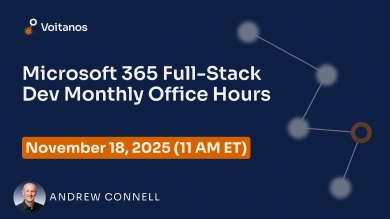
In this live webinar, Andrew Connell—a 22-year Microsoft MVP who created the original MS-600 exam content for Microsoft—will cut through the confusion and show you what actually works in production.
You’ll discover why Teams apps are perfect for enterprise development, which SDKs to actually use, how single sign-on works, and what deployment options are available. Andrew will demo building a Teams tab application and share real-world patterns you can apply immediately.
Whether you’re a web developer exploring the Microsoft 365 ecosystem, an enterprise developer building line of business applications, or a SharePoint developer evaluating Teams as an app platform, this webinar will give you the clarity Microsoft’s documentation doesn’t provide.
Join us to learn how to leverage Microsoft Teams for your next enterprise app—without wasting time on Microsoft’s contradictory guidance.
What You’ll Learn / Key Takeaways
- Why Microsoft Teams is the most underrated platform for enterprise web apps: Understand the technical benefits, deployment model, and built-in single sign-on that make Teams perfect for line of business applications.
- How to navigate Microsoft’s confusing SDK landscape: Learn which of the three Microsoft Teams SDKs to actually use for tab development and which to ignore, cutting through contradictory documentation.
- The Teams app development model and deployment options: Discover how Teams apps work (iframe-based), how to package and deploy them, and how to leverage tenant-wide deployment for enterprise scenarios.
- Real-world implementation patterns for tabs and single sign-on: See live demos of building personal tabs, channel tabs, and implementing seamless authentication that works across desktop, web, and mobile clients.
- Data storage strategies and production deployment best practices: Evaluate options for storing data (SharePoint, Azure, external APIs), understand CDN hosting, and learn common pitfalls to avoid when building production-ready Teams apps.
 Free 9-Day Email Course